
A small reminder.
A deeper connection.
Bible Verse Widget & Scripture brings Bible verses into everyday moments on your iPhone. Make a little space for Scripture, right where your day begins.

Scan to download
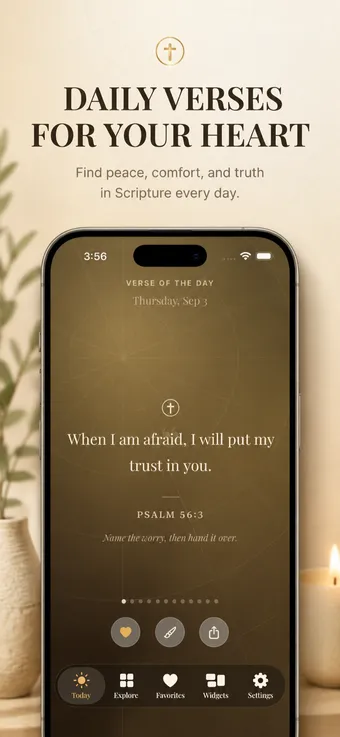
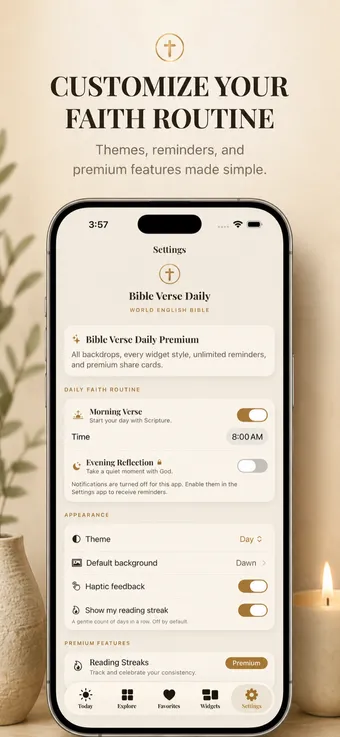
A look inside.
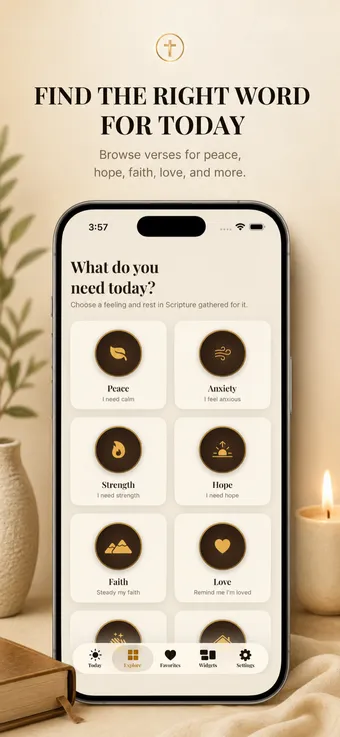
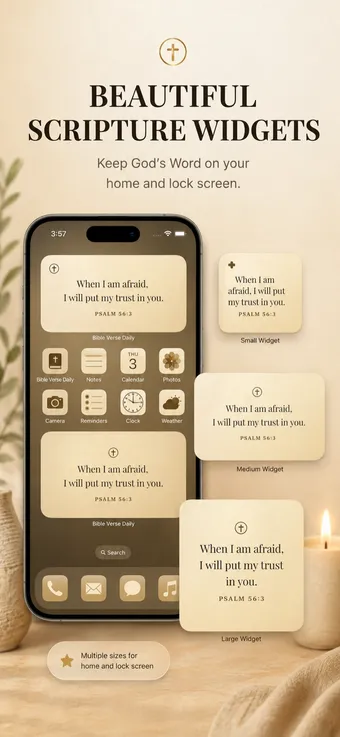
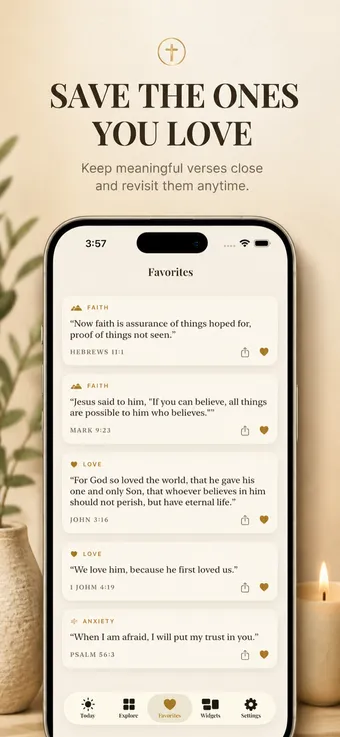
Today’s verse, a library to explore, widgets, favourites, and gentle reminders.
A small reminder people return to.
Selected words shared by Bible Verse Widget users.
“Love waking up to a new verse on my home screen. Simple, beautiful, and keeps me grounded. Highly recommend!”
“This widget is a daily blessing. God’s Word right on my phone—no fuss, just peace and inspiration.”
“Beautiful design + powerful Scripture = perfect widget. I read it every morning. Total game changer!”
“Exactly what I needed. Clean, reliable, and always points me back to Christ. Five stars!”
“A gentle reminder of grace all day long. Easy to use and uplifting. Thank you for this app!”
Faith in your daily rhythm.
A simple idea: put meaningful words somewhere you’ll see them.
Scripture on your Home Screen
Learn how iPhone widgets create a visible place for a Bible verse alongside your everyday apps.
Explore Bible widgets →Begin with a daily verse
Take a moment with a verse, a reflection, and a prayer in our free website library.
Read today’s verse →Keep a daily Bible verse where you already look.
Bible Verse Widget & Scripture is designed for quiet, repeatable moments: a verse on your Home Screen, a reminder on your Lock Screen, and a library to return to when you want more context.
Daily Scripture without a complicated routine
Start with one verse, read the surrounding passage when you have time, and save the words that meet you in a particular season.
Read a daily Bible verse →Home Screen and Lock Screen guidance
Learn how to add a Bible widget on iPhone and how to check whether your installed app supports a Lock Screen placement.
Learn how to add the widget →A few things to know.
How do I add a Bible widget?
Install the app, then open the widget gallery from your iPhone Home Screen. Available widget sizes depend on the installed app version. Read our setup guide.
Can I use a Lock Screen widget?
Lock Screen availability depends on the app version and your iOS version. Our Lock Screen guide explains how to check the widget picker.
Is the app ad-free or available offline?
The App Store listing describes the app as ad-free and available offline, with optional Premium features. Check the current listing and the purchase screen for pricing and the features included in your version.
What about privacy?
This website does not load analytics or advertising scripts. Read our Privacy Policy for website and support data, and the app’s reported privacy disclosure. For a question about a particular feature,contact Support.